
Role
Hands-on product design director.
I was responsible for the design vision and the crafting.
I worked on aligned outcomes and frequent feedback with a Product manager and a senior engineer to scope and to deliver.
Goal
Our Export API was hitting limits, not scalable enough for our customers, and we were losing ground to competitors.
Our main goal: get CSQ data into customer warehouses as fast as possible. And make that exported data a key driver for renewal.
We had to move fast without just copying Heap Connect.
Fast, usable, scalable
Three words shaped every screen.
Setup had to be fast because time-to-first-export drives adoption.
It had to be usable because the people connecting warehouses are not always engineers.
And it had to be scalable because the same flow needed to work for Snowflake today and all connectors tomorrow.
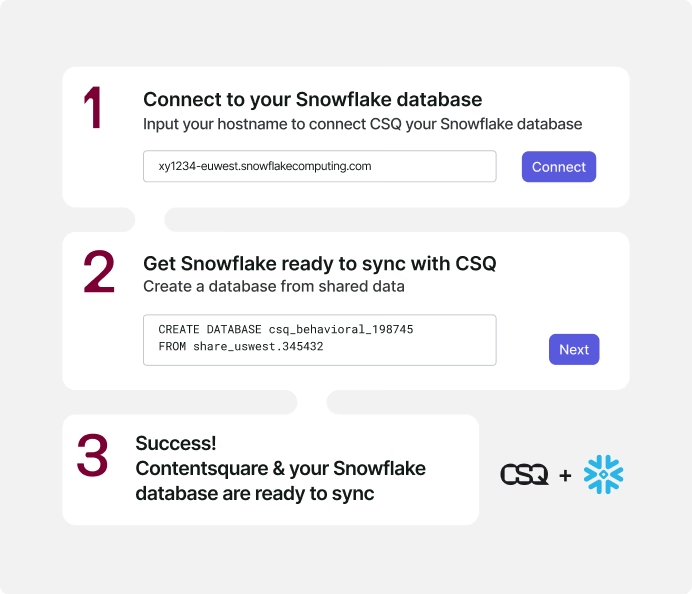
This produced a concrete decision: a guided, no-code connection form accessible from the landing page, with three steps.
A trial user can go from "interested" to "data syncing" in one sitting.
Bringing it together
Design stayed two sprints ahead. This meant we could review work with Product and Engineering before committing to the next iteration.
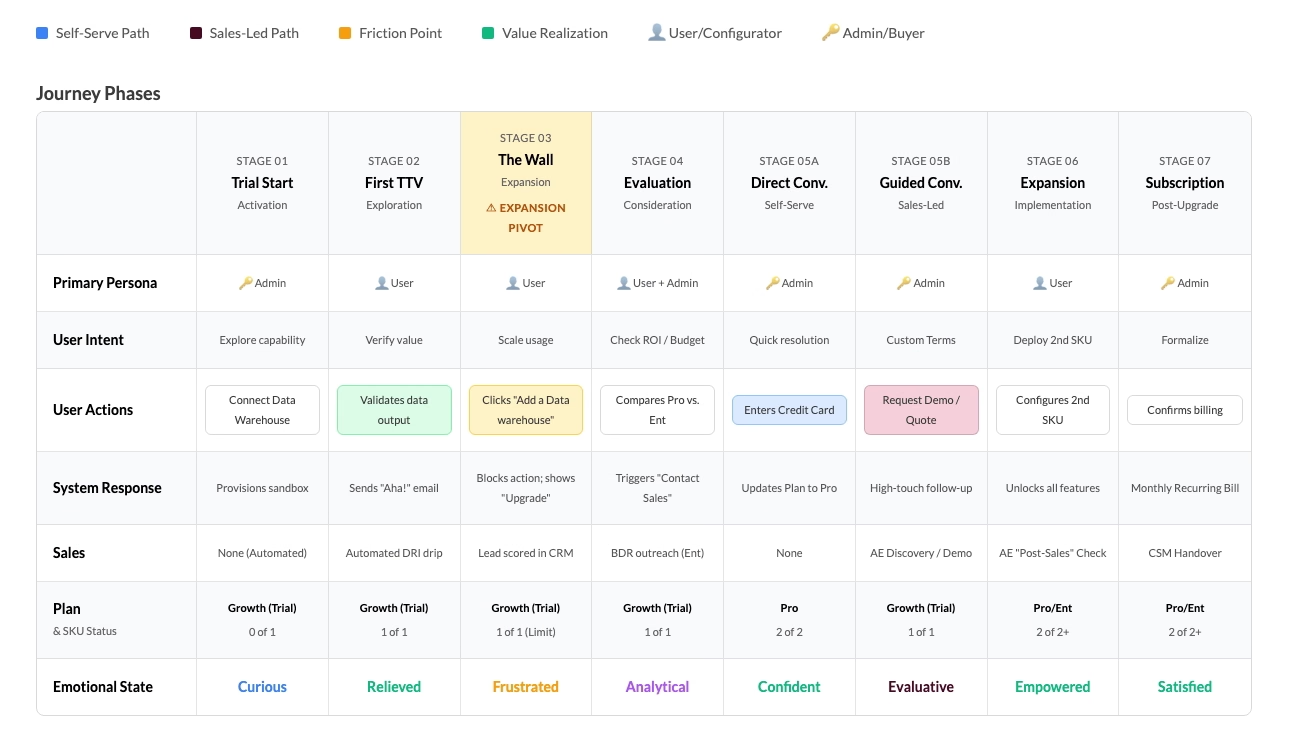
Research pointed to a clear data persona.
We explored future enhancements (real-time sync, AI-assisted filtering) but stayed disciplined: "Fast, practical, scalable" shaped every decision from the start.
Results
The unified catalog launched progressively between September and October 2025, in line with the broader One App rollout.
By October 20th, 100% of new self-serve traffic across all platforms was routed through the new catalog.
Key Decisions
Speed first. The initial release focused on a simple, self-serve setup: get users to their first export fast, refine from there.
A form-oriented setup interface to replace the previous manual export setup.
Deeper refinements were scoped for later. Already mapped in the design assets.
Engineering bandwidth was limited at every launch. This pushed design and PM to think differently about scope. We agreed on the full system first, then cut it into parts that each shipped value on their own.
A construction kit to scale closed and opened betas, not a feature.
Exported data
Users can choose the granularity level of the exported data tables before any automated daily sync.
All tables in a category can be switched off at once.

Progressive rollout & seamless implementation
Staying two sprints ahead of engineering meant the team could always pick up the next iteration without waiting.
It also created space to explore directions that weren't committed yet.

One trade-off
Data Connect lives inside Analysis Setup, alongside Segments and Mappings. Navigation between sub-sections uses tabs.
The better solution was a dedicated landing page for Analysis Setup with direct links to each sub-section.
It would have removed a tab pattern inconsistent with the rest of the product.
We shipped without it.
The fix touched shared architecture across three sections simultaneously. The launch timeline made that risk unjustifiable.
The navigation inconsistency was documented and handed off as a V2 item.
Want to discuss this?
Other case studies
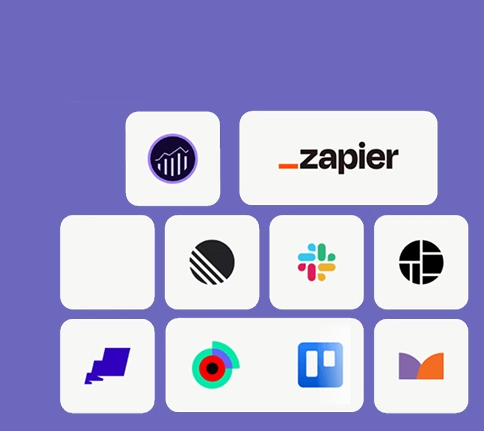
Integration catalog
Contentsquare
Boost usage and retention with a merged and enhanced catalog of integrations.
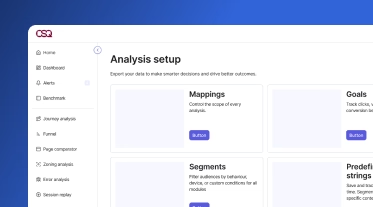
Analysis Setup Navigation
Contentsquare
The navigation problem Data Connect exposed, and the decision made to ship without fixing it.

ORPI digital platform
Dagobert
Design of a new ORPI real estate marketplace for better competitiveness.